 Download Netflix videos to MP4 or MKV format in 1080P Full HD resolution.
 English
 Arabic
 Chinese (Simplified)
 Chinese (Traditional)
 Croatian
 Czech
Czech Danish
 Dutch
Dutch Finnish
 French
 German
 Greek
Greek Hebrew
 Hindi
Hindi Indonesian
 Italian
 Japanese
 Korean
 Malay
Malay Norwegian
 Polish
 Portuguese
 Russian
 Slovenian
 Spanish
 Swedish
 Thai
Thai Turkish
 Ukrainian
 Vietnamese

Want to download The Lego Movie from Netflix and watch it offline? This guide shows you how to use 4kFinder Netflix Video Downloader to save the movie to your device, so you can enjoy it anytime, anywhere without needing an internet connection.
The Lego Movie (2014) brings the famous Lego toys to life in an exciting animated adventure. The story follows Emmet, an ordinary Lego worker chosen to stop the evil Lord Business from taking over the Lego world. With colorful animation, plenty of humor, and a star-studded cast including Chris Pratt and Morgan Freeman, this hit film is loved by viewers of all ages.
If you want to download The Lego Movie from Netflix for offline viewing, the best option is to save it as an MP4 file. Netflix offers downloads for some titles, but these expire and have restrictions. In this guide, we will show you how to download the Netflix Lego Movie to MP4 so you can keep it forever and watch it offline on any device such as your computer, phone, tablet or TV without limits.
CONTENTS
Why Choose A Netflix Video Downloader?
Netflix’s own download option is handy, but it has a lot of limits, such as:
- Downloads expire and need to be renewed.
- Only a certain number of devices can store downloads.
- Some titles aren’t available for offline viewing.
A Netflix video downloader removes these restrictions and gives you a more flexible, permanent way to save your favorite shows and movies. Here’s what makes it better:
- High-Quality Video: Download in up to 1080P for clear, sharp viewing.
- Multiple Formats: Save as MP4 or MKV, so your videos work on most devices and players.
- No Time Limits: Keep your downloads forever, even if Netflix removes the title.
- Watch Anywhere: Play your videos on any device, without the Netflix app.
Tool Required – 4kFinder Netflix Video Downloader [Hot]
4kFinder Netflix Video Downloader is special software made for Netflix users who want to download Lego movies straight to their computer. Unlike Netflix’s built-in download option, which limits where and how long you can watch, 4kFinder lets you keep your downloads forever. You can save videos in high-quality MP4 or MKV formats, while keeping the original sound and subtitles in different languages.
Moreover, the tool is easy to use, supports Full HD 1080P resolution, and downloads quickly, so you can enjoy your favorite Netflix content offline without buffering or internet problems. Whether you’re traveling, on a slow connection, or just want to build your own Netflix library, 4kFinder gives you the freedom to watch anytime, anywhere, on any device.
👍Key Features of 4kFinder Netflix Video Downloader
- Download the Lego movies from Netflix.
- Download Netflix videos in MP4 or MKV format.
- Save videos in up to HD 1080p.
- Retain original audio tracks and subtitles.
- Keep Netflix video permanently without expiration.
- Play Netflix video offline on any device.
- Compatible with Windows & Mac.
Guide: How to Download The Lego Movie from Netflix to MP4
Follow these easy steps to save The Lego Movie on your computer and watch it offline anytime:
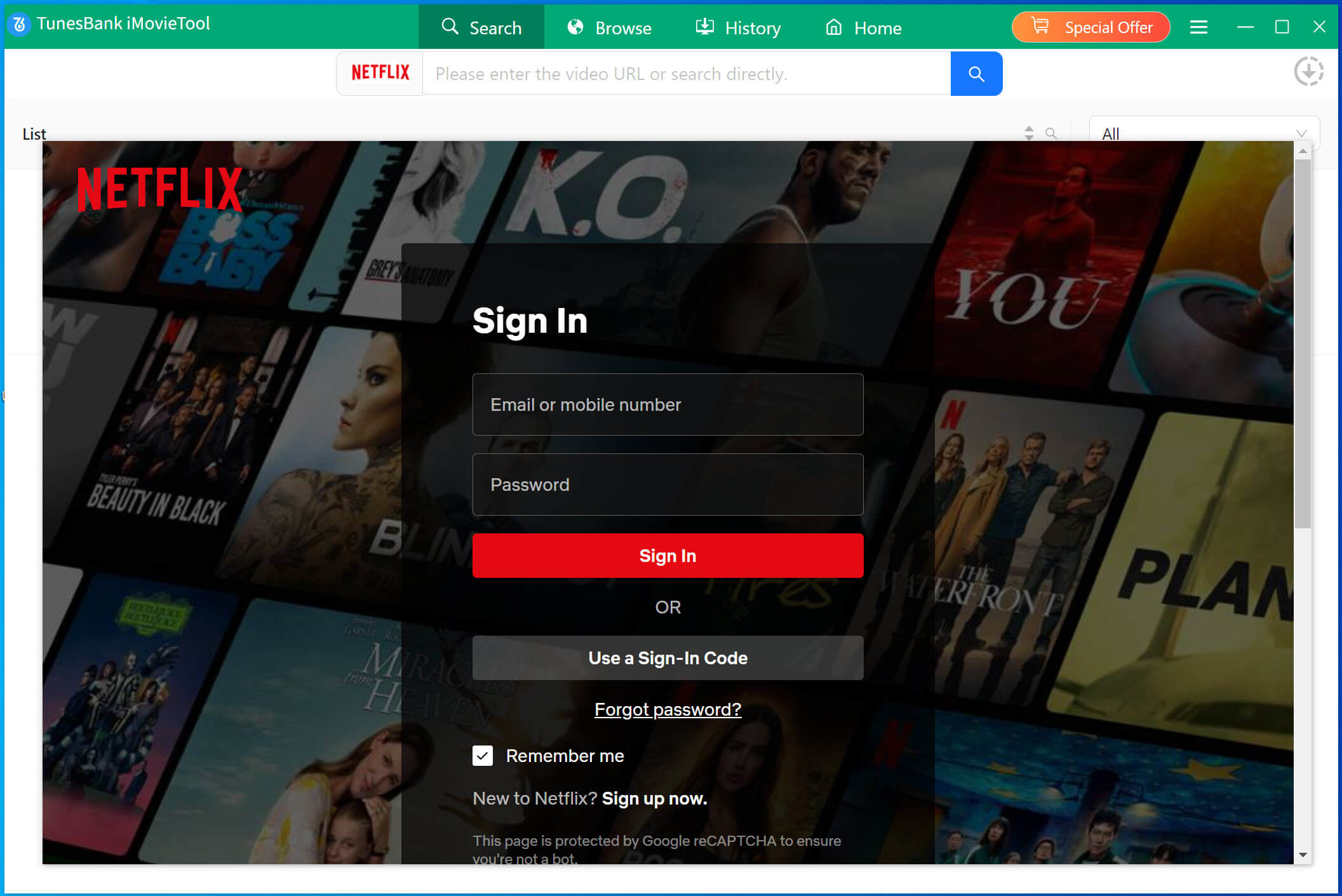
Step 1. Open 4kFinder Netflix Video Downloader
Download and install the program on your computer. Launch it and log in to your account.
Step 2. Find The Lego Movie
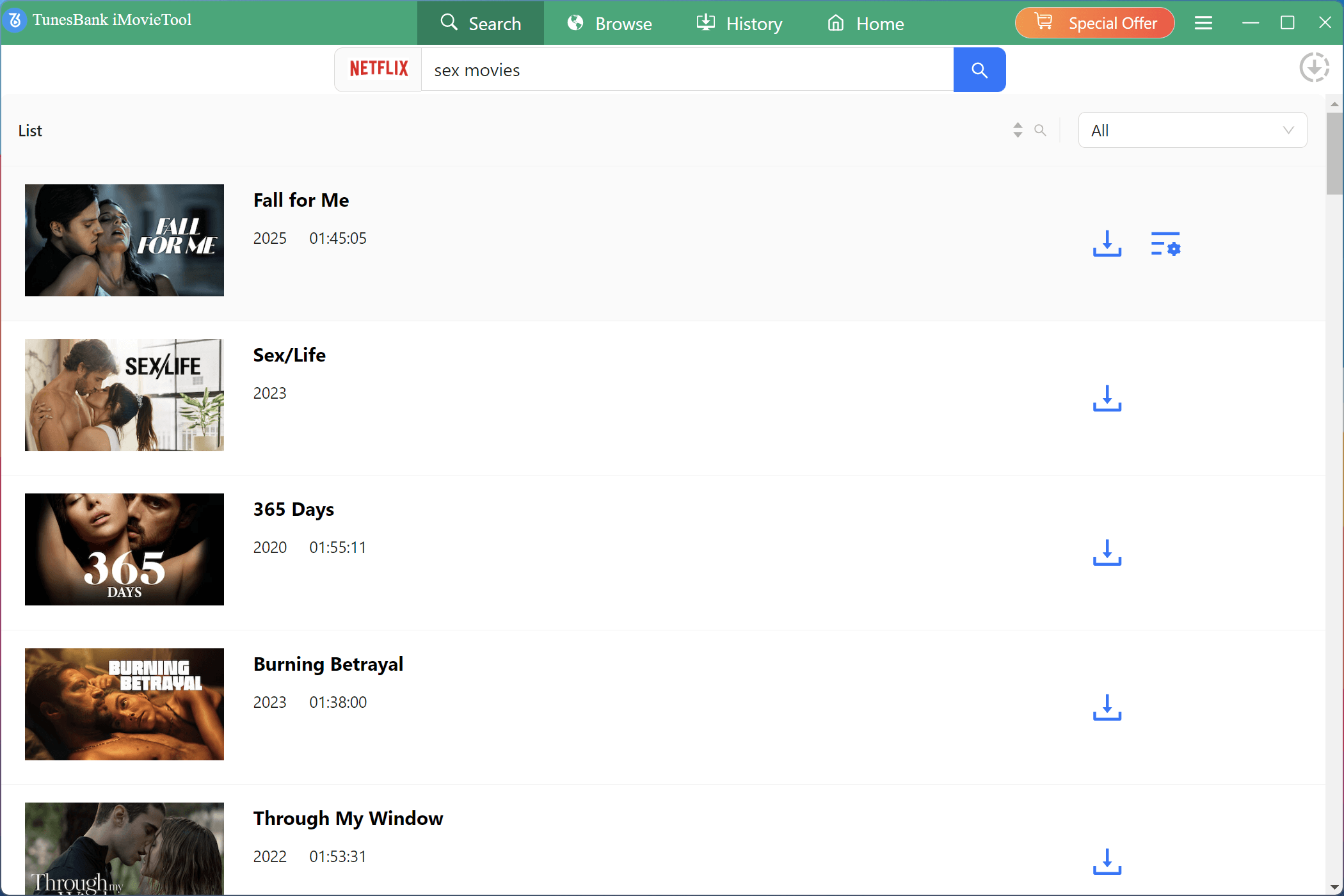
Use the built-in search bar to look for The Lego Movie or any Lego titles you want to download. The search results will appear in the window.
Step 3. Adjust the Download Settings
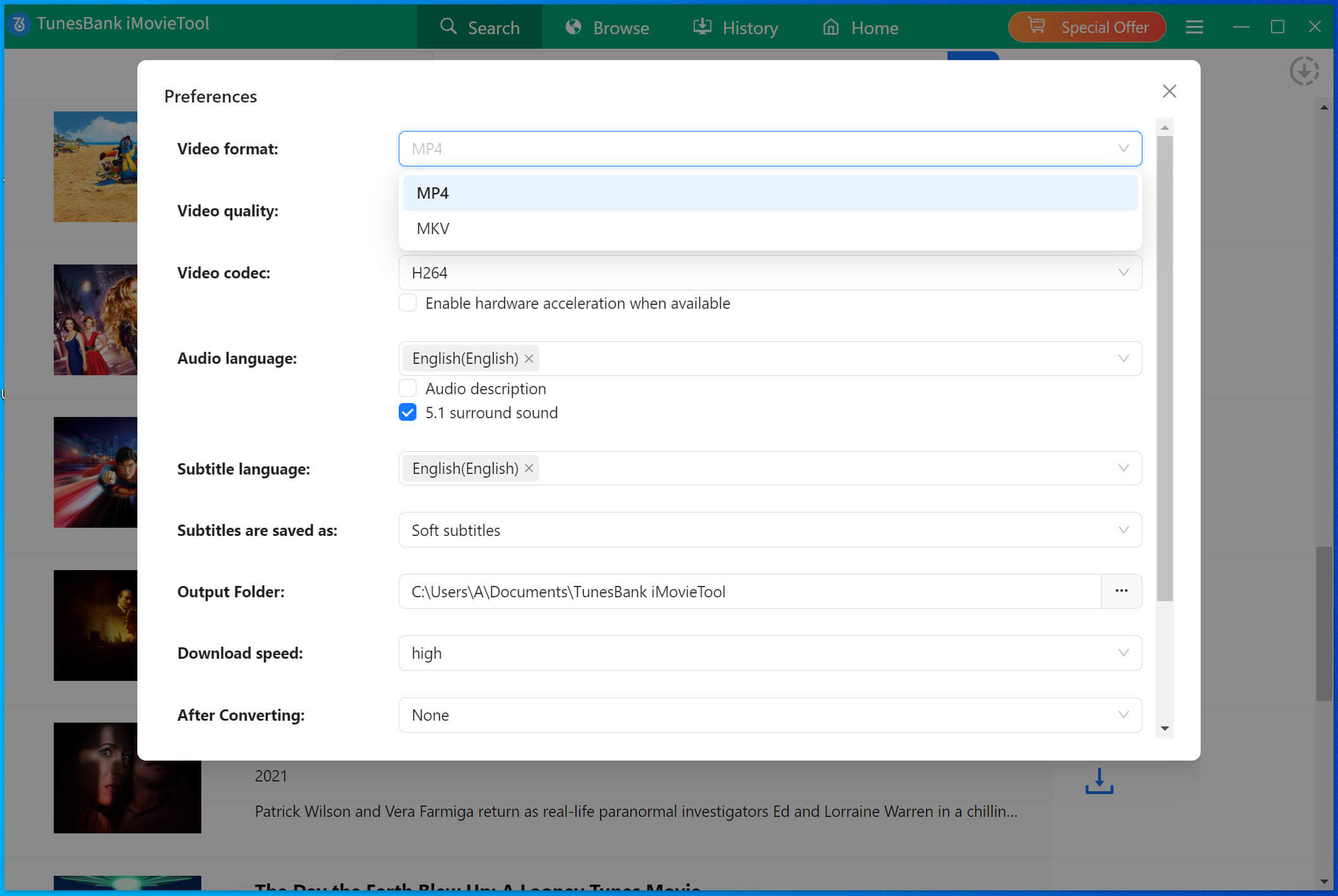
Click the Gear icon in the top right to open the settings menu. Here, you can choose MP4 as the output format, set audio and subtitle languages, select the video codec, and choose your save location.
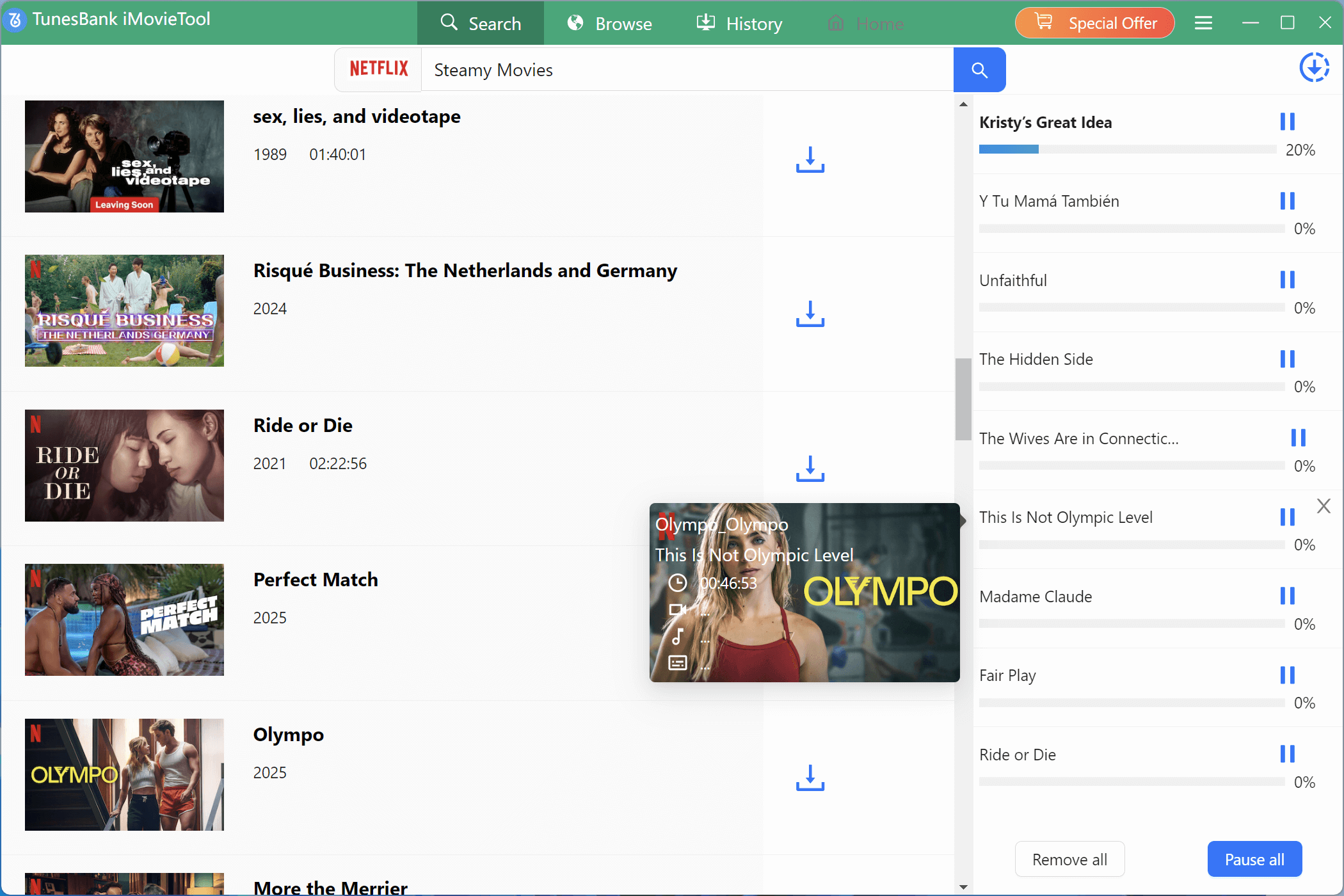
Step 4. Start the Download to MP4
Click the Download button to begin saving the movie. Wait for the process to finish, 4kFinder will store the video on your computer in MP4 format.
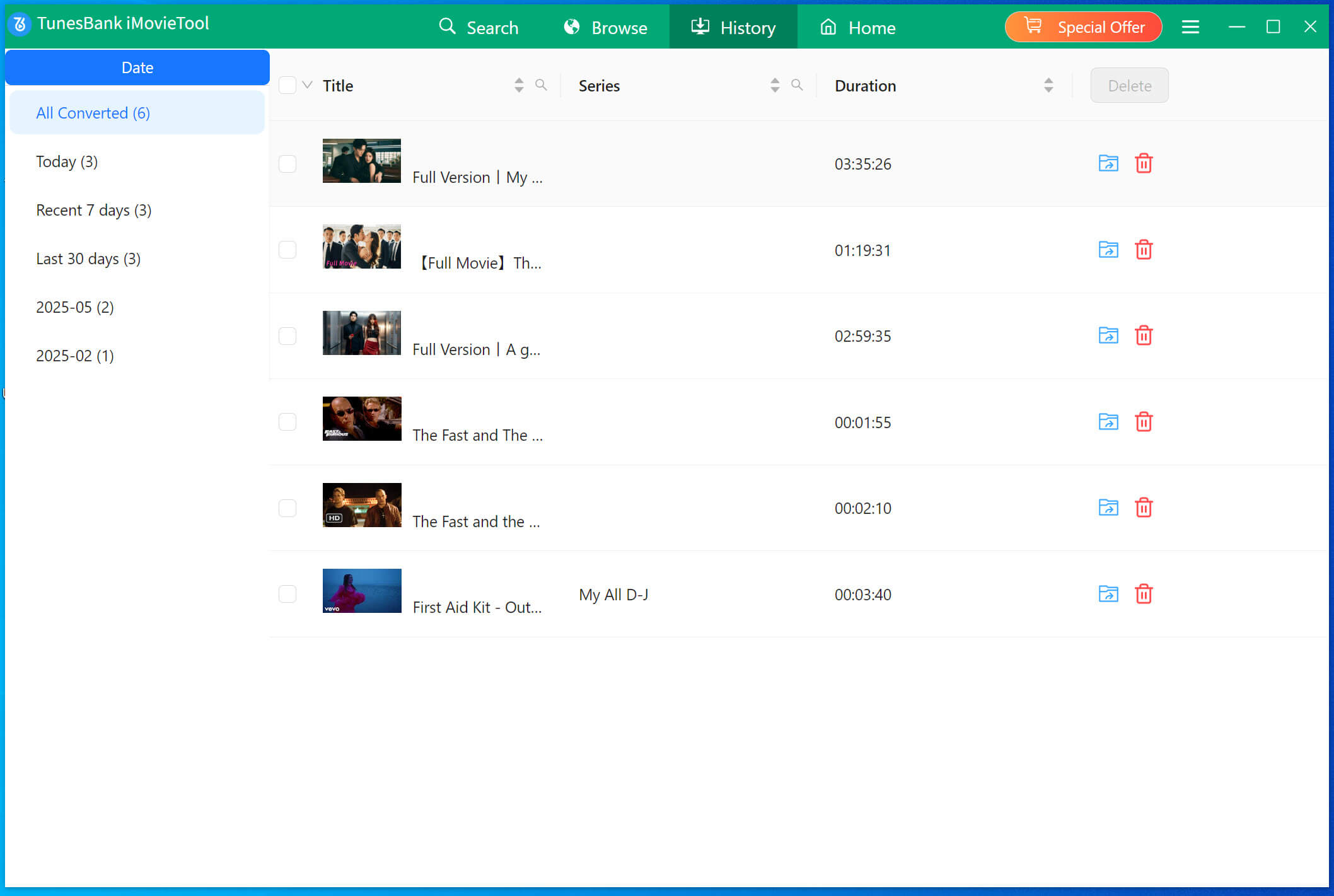
Step 5. Access Your Downloads
When the download is complete, go to the History tab to view your saved videos. Click the blue Open output folder button to find them on your computer.
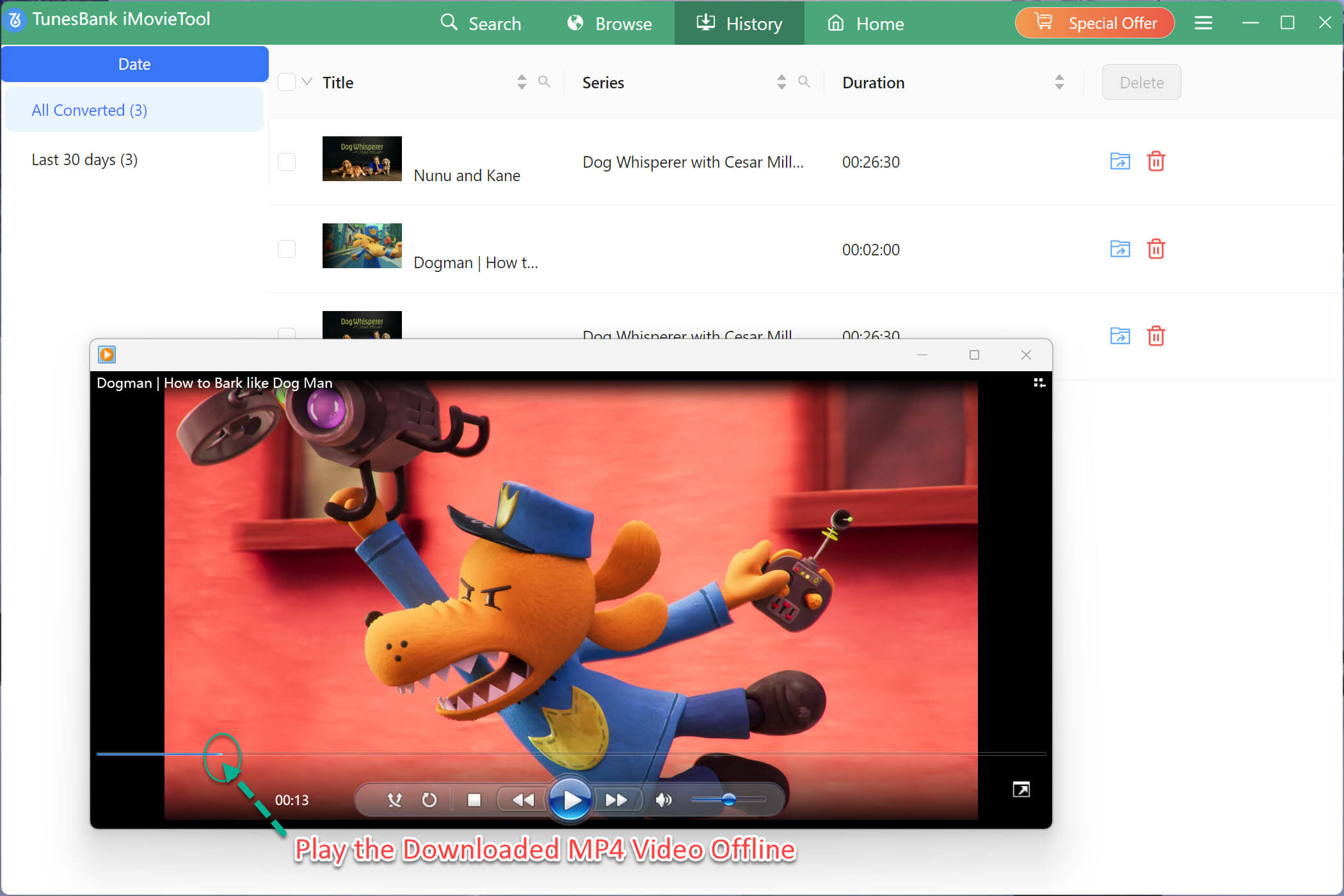
Step 6. Enjoy Offline Viewing
Now you can watch your downloaded MP4 files anytime, without an internet connection. Play them on your computer or transfer them to devices like phones, tablets, TVs, or media players with no restrictions.
FAQs Downloading the Lego Movies from Netflix
Q1. Can I download The Lego Movie directly from Netflix?
Yes, Netflix offers a built-in download feature for certain titles, including The Lego Movie in some regions. However, the download will expire after a set time and can only be watched in the Netflix app.
Q2. Why can’t I find The Lego Movie to download on Netflix?
Availability depends on your country’s Netflix library. If it’s not showing, it may be unavailable in your region or removed from the platform.
Q3. How can I keep The Lego Movie permanently?
To save the movie without time limits or app restrictions, you can use a Netflix video downloader like 4kFinder to save it as MP4 or MKV on your computer.
Q4. What quality can I download it in?
With Netflix’s built-in download, quality may be limited depending on your subscription plan. Using a third-party tool, you can download up to Full HD 1080P.
Q5. Can I watch it on devices without Netflix?
Yes, if you use a Netflix downloader to save it as MP4 or MKV, you can transfer the file to any device – smart TVs, tablets, phones, or USB drives.
Q6. Is it legal to download Netflix movies with third-party tools?
Downloading with third-party software is generally against Netflix’s terms of service. It’s recommended for personal offline viewing only, not for sharing or distribution.
Conclusion
The Lego Movie is a fun and heartwarming adventure that is perfect for family movie nights or watching alone. With 4kFinder Netflix Video Downloader, you can easily download The Lego Movie from Netflix and enjoy it offline without any limits. By following the steps in this guide, you will have the movie saved on your device in just a few minutes, ready to watch anytime you like.
Whether you love its clever humor, colorful animation, or inspiring message, having the Netflix Lego Movie downloaded means you can enjoy it whenever you want. So grab your popcorn and let 4kFinder help you bring this Lego masterpiece to your screen wherever you are.